μDays Apophis Grey
count • what is important
Step 1
Plug in your battery. With a USB cord, plug your screen into a computer USB port.
Step 2
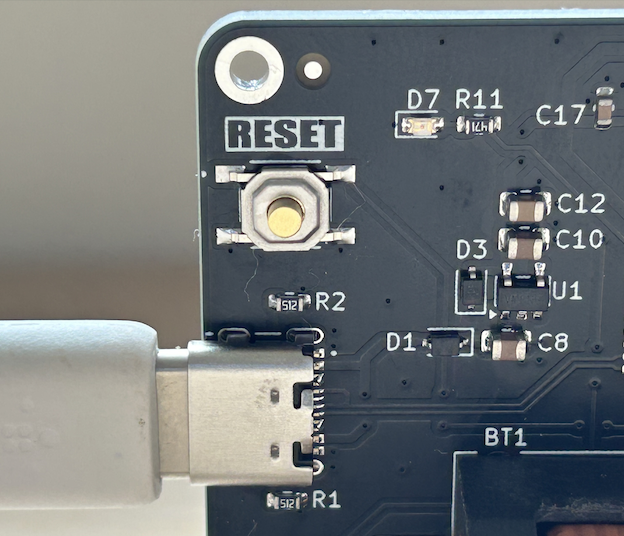
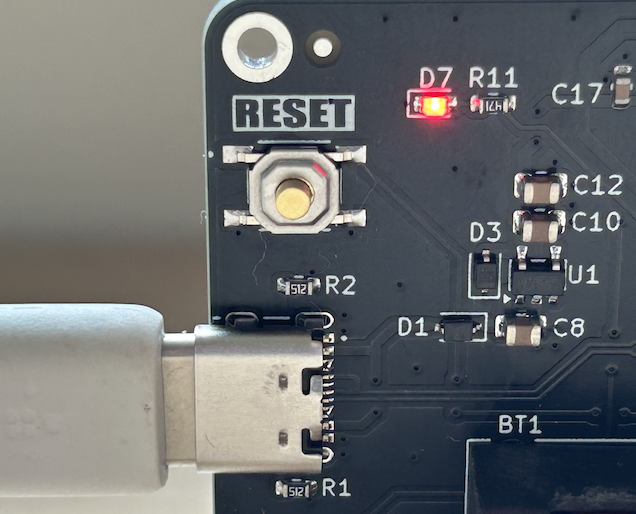
On the back of the board quickly press the RESET button twice. A red LED will turn on.
Step 3
Fill in your details. Here's an example:
- Observer Name: Christopher
- Birth Date: 1992, 9, 21
- Display Mode: Personal (shows your age at Apophis flyby)
- Check "Show Asteroid Info" to display Apophis stats instead of personal data.
Step 4
Click Build Your Screen. It will take about 15 seconds.
Building your screen…
This may take about 15 seconds
Step 5
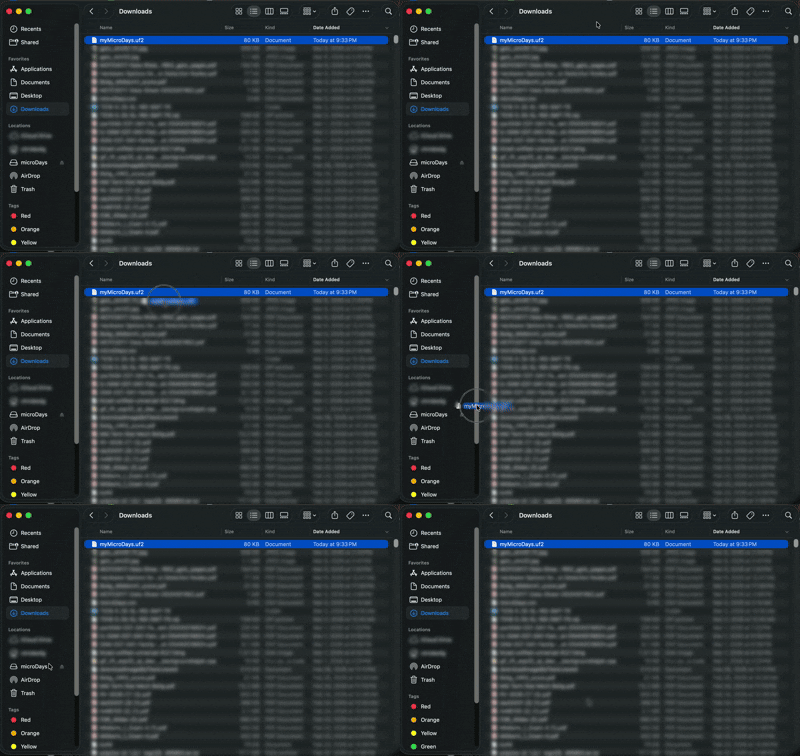
A file called myMicroDays.uf2 will download. On your computer drag the file from your Downloads folder to the screen's MicroDays USB drive, called microDays.